
Plot Studio and Figure Studio
The workbook and graph editor for publication figures, multi-panel figures and vector export.
Workbook
Plot Studio is the workbook and graph editor for publication figures. A sheet is the table, a graph is one plot, and a figure is several panels arranged in Figures (Figure Studio). Nothing in Plot Studio recomputes a scientific result: it draws the numbers the server returned.
- Header rows for the long name, unit and comment of each column.
- Column designations X, Y and error; formulas (parsed, never executed as code); mask and sort rows.
- XLSX import; save as a new version of the dataset or as a new dataset.
- Results open here from Analyze, Simulate and Data (Open in Plot Studio).
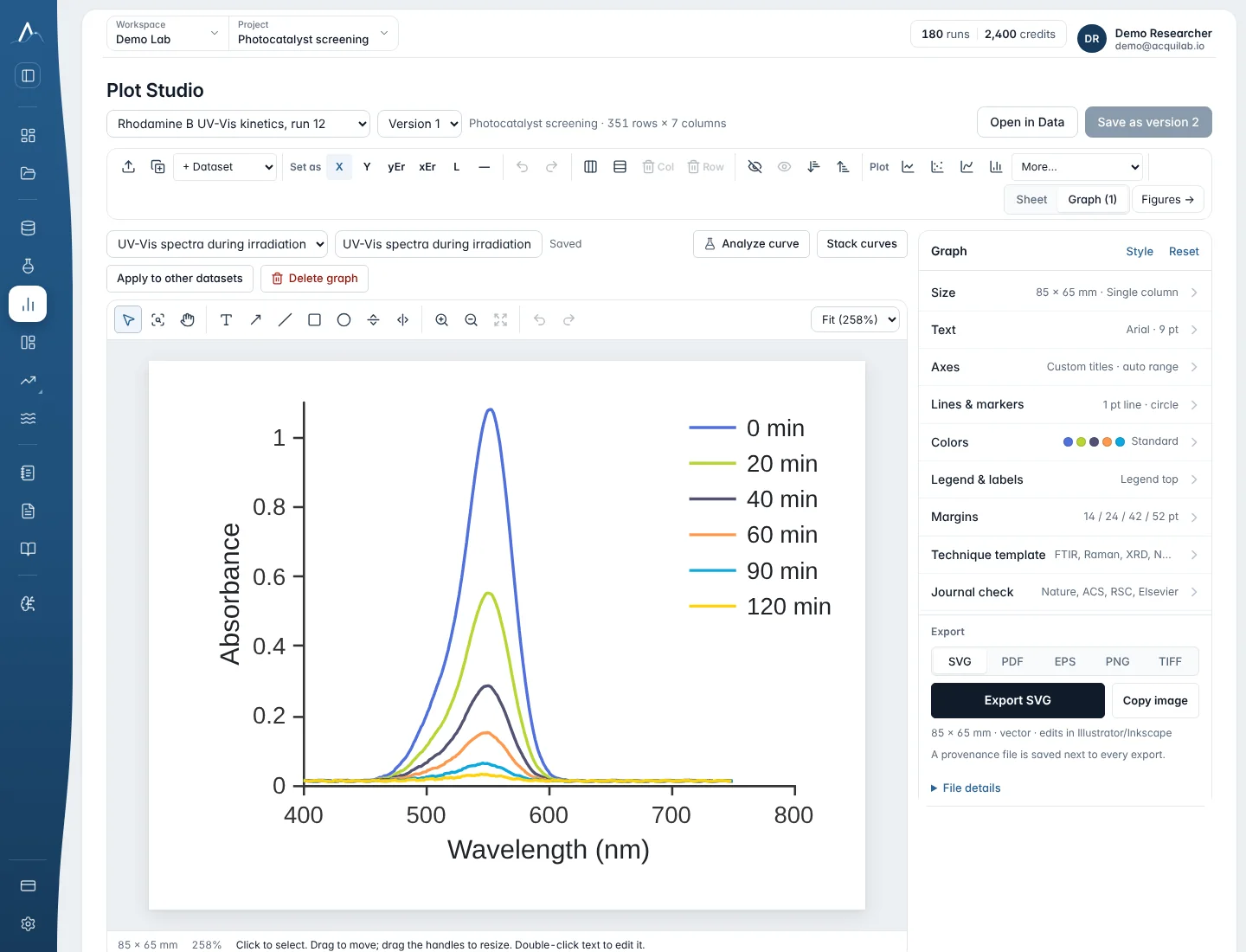
Graph types and styling
Graph types
Line, scatter, line and symbol, sticks, stacked or grouped columns, histogram, box, violin, bubble, heat map and contour, pie or donut, radar, parallel coordinates and polar.
Styling
Style per curve; frame (open, box, box with ticks); ticks in or out and minor ticks; top X or right Y per curve; a converted right axis (A → %T, °C ↔ K, a·y + b); reversed axes and axis breaks; waterfall offset; normalisation; error bars; colour-blind and greyscale palettes; copy and paste a format.
New graphs start from your saved look when graph preferences are on: frame, ticks, text size, colours, error bars, grid, figure size and export resolution. Graphs that an AI agent asks for through the MCP connector are drawn in the same style.
Figures with several panels
Figures opens Figure Studio. Arrange graphs as 2×1, 2×2 or stacked panels that share the X axis, with a/b/c panel labels and insets. On a result page, Use in a figure places that graph in a figure; batch plotting draws the same graph for several datasets.
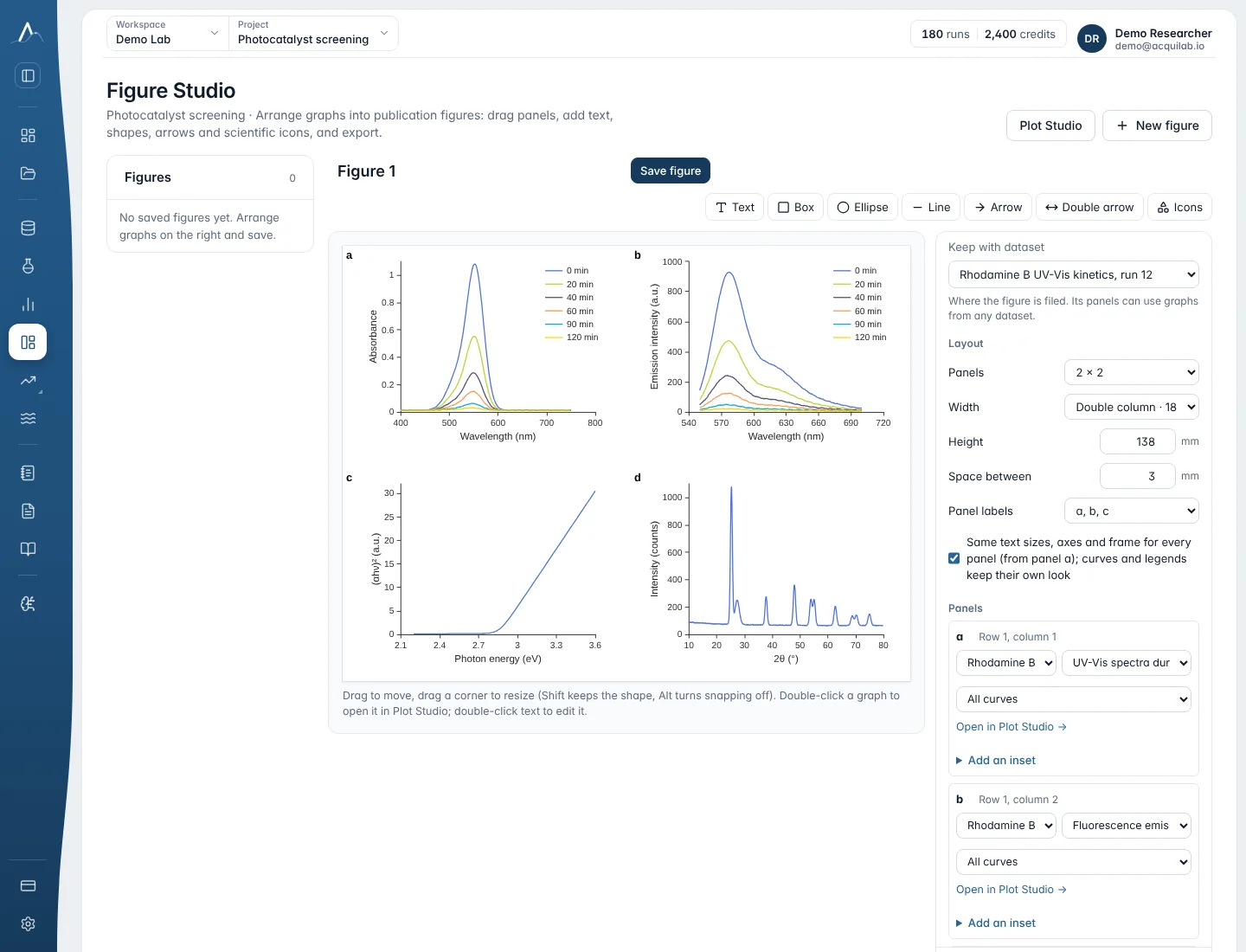
A saved figure can be placed in a document. The document keeps the drawing as placed and says Figure updated in Figure Studio — Update when the figure changes.
Export
| Format | Use it for |
|---|---|
| PDF, EPS, SVG | Vector figures for journals and for editing in a drawing program. |
| PNG, TIFF (LZW) | Raster images with the resolution written into the file (300 or 600 dpi are typical). |
| Copy image | Paste straight into slides or a message. |